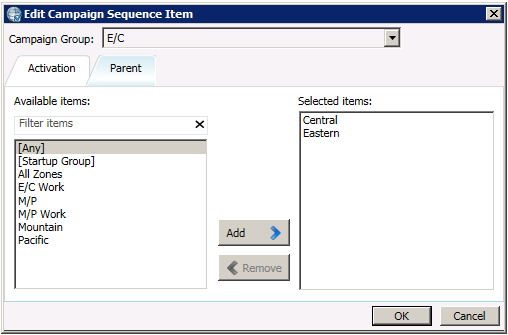


- Contents
Interaction Dialer Advanced Campaign Management Overview Guide
Create and Configure a Campaign Sequence
You can automatically generate a Campaign Sequence based on your Campaign Group arrangement and then configure activation triggers as well as create additional transition paths between the groups. As you do, you can use the Campaign Diagram to visualize how the Campaign Sequence will work as well as to track down any potential problems in the flow.
You use activation types to trigger the transition from one Campaign Group to the next. There are three activation types to choose from:
-
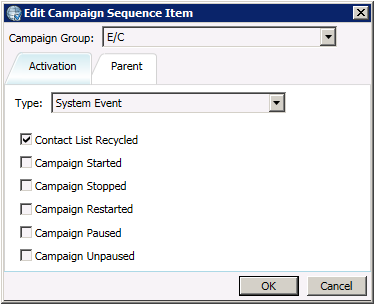
A System Event activation type triggers a campaign transition when the selected events occur.
-
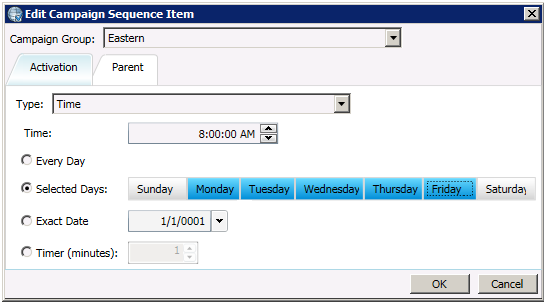
A Time activation type triggers a campaign transition when the configured moment in time occurs.
-
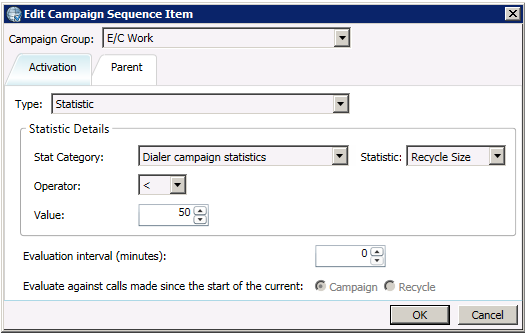
A statistic activation type triggers a campaign transition when the configured statistic occurs.
-
Each Campaign Group in the sequence must have a parent group to maintain its transition path. As you get more elaborate with your campaign sequence design, you may find that some groups in the sequence need to have multiple parents.