

- Contents
Interaction Recorder Technical Reference
View the Audit Trail
Use the Audit Trail command on the shortcut menu to display information on audit events, including: Date/Time, Audit Event, User, and Comments on the event. Use the Search Results View to display the Audit Trail for a recording.
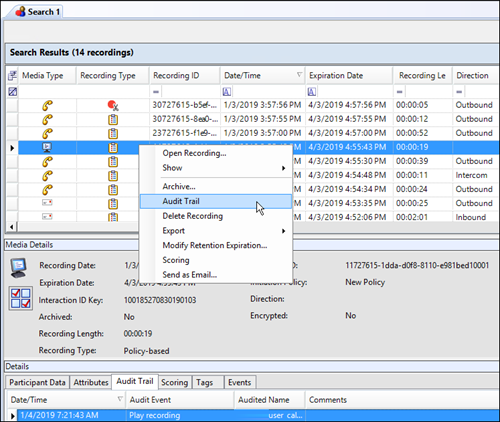
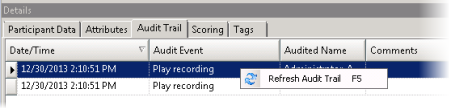
The Audit Trail page is displayed in the Details pane. Use the shortcut menu from the Audit Trail page to refresh the audit trail data.