


- Contents
Crystal Reports Import Utility Technical Reference
Run the Crystal Reports Import Utility
-
Run the CrystalReportImportUtility.exe file.
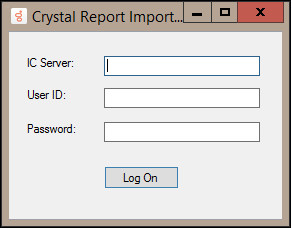
The Crystal Report Import Utility dialog box appears.
-
In the IC Server box, type the address of your CIC server.
-
In the User ID box, type your CIC user ID.
-
In the Password box, type your CIC password.
-
Click Begin.
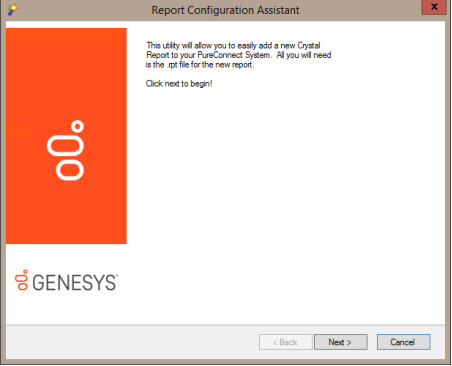
The Report Configuration Assistant dialog box appears.
-
Click Next.
The Load Crystal 2013 file and Set Name and Category dialog is displayed.