Install Central Campaign Server
The screen caps in this procedure are out of date and will be replaced
in a future update. To install the Central Campaign Server:
-
Logon to the Central Campaign Server using the IC Administrator
account. The IC Administrator credentials ensure you have permission
to install CCS components.
-
Do one of the following:
-
Copy the CCS_2018_R2.msi file to the CCS system and double click
the file.
-
From the Interactive Intelligence Products interface, choose
the Off-Server Components tab, select the Central Campaign Server
2018 R4 check box, and click Install.
-
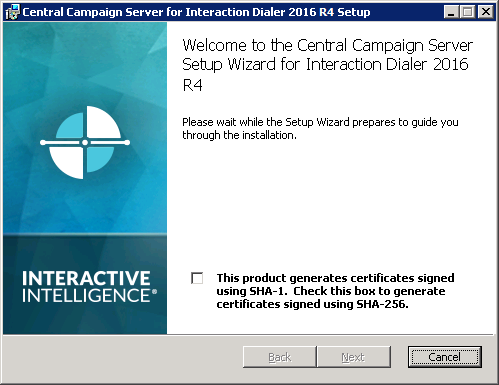
When the Welcome to the Central Campaign Server Setup
Wizard for Interaction Dialer dialog appears, you'll need
to determine and choose the appropriate SHA version.
By default, CCS will use the SHA-1 certificate signature. If
your CIC system is using SHA-256 certificate signature, select
the SHA-256 check box.
To continue, click Next.
|
|
-
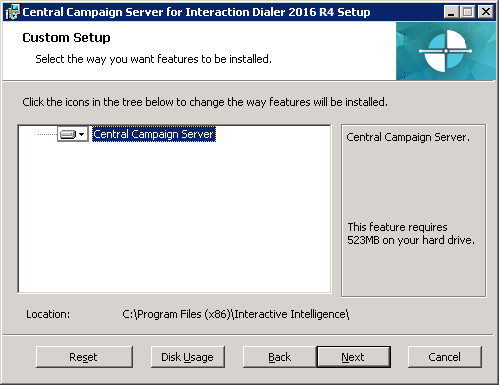
The Custom Setup dialog appears.
Optionally, click Browse to select an installation destination
path different than the default path.
You can see how much hard drive space this feature will require.
For more detailed information, click Disk Usage.
When you are ready, click Next.
|
|
-
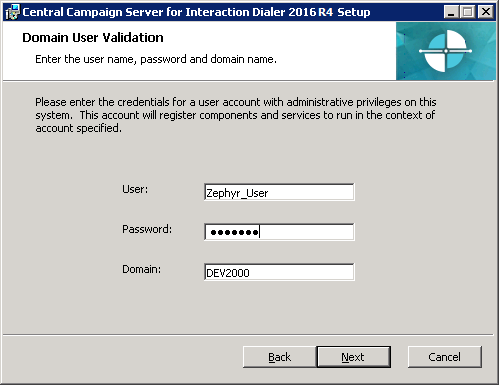
The Domain User Validation dialog opens and is pre-populated
with account information for the logged-on user with administrator
privileges.
Ensure the User and Domain fields contain the
correct IC Administrator credentials and domain name to validate
connection to the Central Campaign Server, type the password
associated with this account, and click Next.
|
|
-
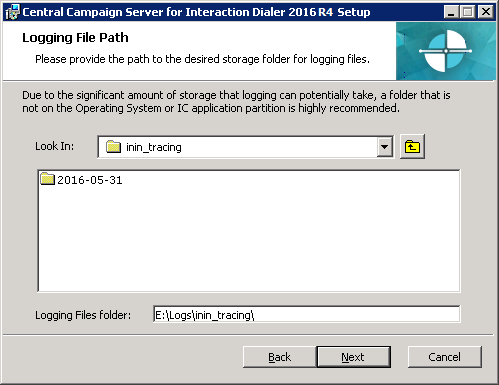
The Logging File Path dialog appears.
Specify the target folder in which trace logs will be stored
or keep the default directory and click Next.
|
|
-
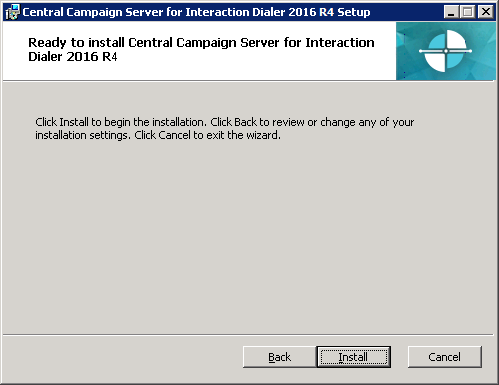
The Ready to install Central Campaign Server dialog
appears.
When you are ready to begin the installation, select Install.
|
|
|
As the installation
continues, a status bar indicates the progress. |
|
-
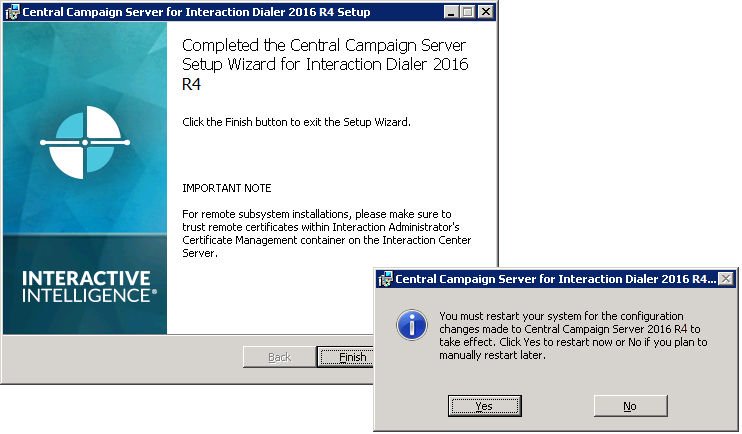
When the Completed the Central Campaign Server Setup
Wizard for Interaction Dialer dialog appears, click Finish
to exit the Central Campaign Server Setup Wizard.
|
|
-
When the procedure prompts you to restart the system,
click Yes.
|
|