


- Contents
Interaction Recorder Technical Reference
Generating a Custom Master Key
Generate a new Master Key on the Key Generation page in the Interaction Recorder configuration dialog. To display this page:
1.From the Interaction Administrator tree view, select the Interaction Recorder container.
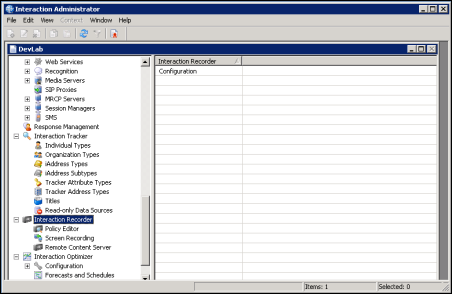
2.In the right pane, double-click Configuration.
The Interaction Recorder Configuration dialog is displayed.
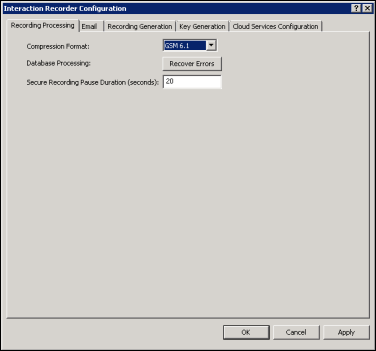
3.Click the Key Generation tab; the following page
is displayed:
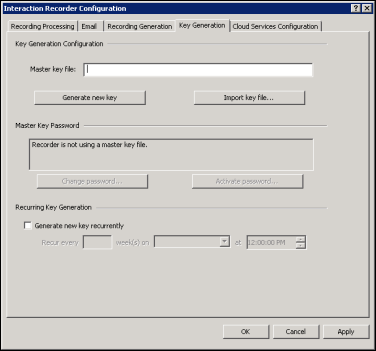
Use the Key Generation page to set up the Master Key file.