


- Contents
Interaction Recorder Technical Reference
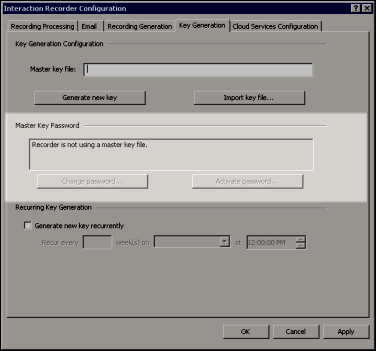
Master Key Password
Use the Master Key Password box to password protect the Master Key File and securely encrypt master key data. To create, change, or deactivate a Master Key Password, the user must be assigned the Security Right Master Key Password Administrator.
Important Note
PureConnect Customer Care cannot recover encrypted recordings if a Master
Key Password is lost.
Change Password
Click Change password to create a new Master key password or to change the current password.
Deactivate/Activate Password
When you create a new Master key password or change the password, the password is Activated, and the Deactivate password button is displayed. To deactivate the password, click Deactive password.
To activate the deactivated password, click Activate Password, and on the Activate Password dialog, type the current password and click Activate.