


- Contents
Latitude Help
View Account Overview Information for Linked Accounts
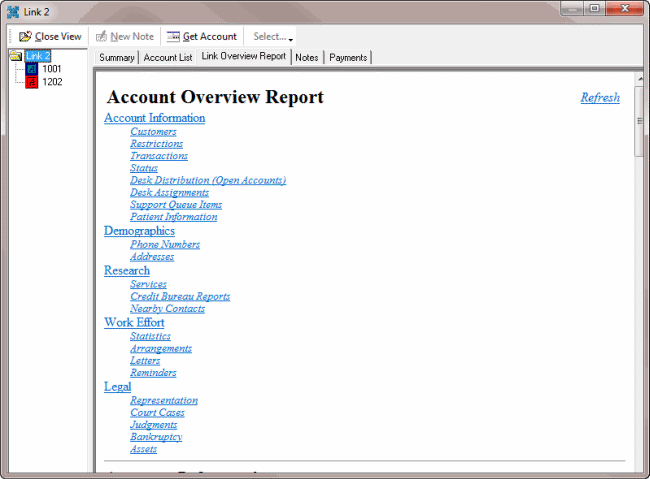
Use the Link Overview Report tab in the Link window to view account overview information for the linked accounts. This tab provides a clear picture of what activity has occurred for a debtor and overall activity for linked accounts.
To view account overview information for linked accounts
-
With an account displayed in the Work Form, in the Date Info and Balance Info section, click Links. The Link window appears.
-
In the Navigation pane, click the folder and then, in the Information pane, click the Link Overview Report tab.
-
To move to a specific category, click the link.
-
To return to the top of a section, click the Top of Section link in that section.
-
To return to the top of the Information pane, click the Top of Report link in any section.