


- Contents
Latitude in the Cloud User's Guide
Add a Citrix Receiver Account
If you removed your Latitude account from Citrix Receiver, complete these steps to re-add it.
To add a Citrix Receiver account
-
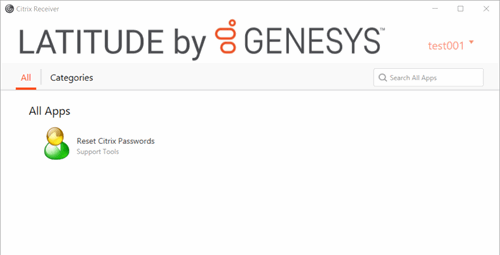
In the system tray, right-click the Citrix Receiver icon
 and then click Open. The Citrix Receiver window appears.
-
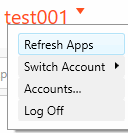
In the menu bar, click your user name. A list of options appears.
-
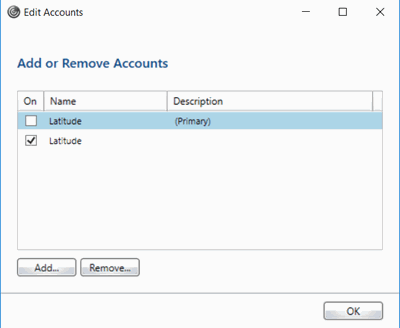
Click Accounts. The Edit Accounts dialog box appears.
-
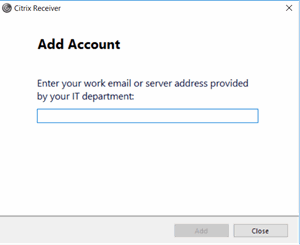
Click Add. The Add Account dialog box appears.
-
In the box, type your email or server address and then click Add. Citrix Receiver adds the account.