


- Contents
Latitude in the Cloud User's Guide
Log on to Latitude in the Cloud (Browser and Citrix Receiver)
If this method is available to you, you can log on to the Latitude in the Cloud service using your web browser. This method requires that you have Citrix Receiver installed on your computer.
To log on to Latitude in the Cloud using a web browser and Citrix Receiver
-
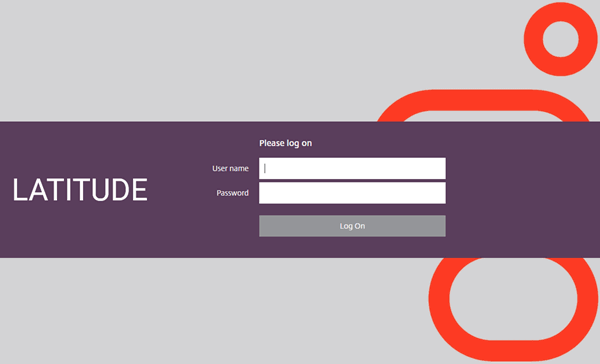
In your browser, type "www.latitudebygenesys.com" and then press Enter. The LATITUDE page appears.
-
Type your Citrix user name and password.
-
Click Log On. The LATITUDE by Genesys page appears.
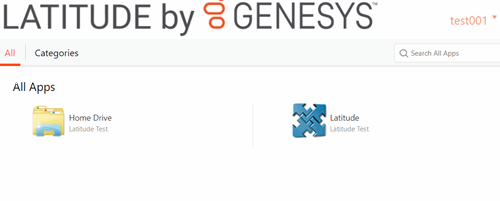
Note: If you closed your browser when you logged off after your last session, the Welcome to Receiver page appears. Click Install. The Citrix Receiver Detection page appears. Wait for the system to detect that you have Citrix Receiver installed. Once detected, the Citrix Receiver page appears.