


- Contents
Latitude in the Cloud User's Guide
Remove a Citrix Receiver Account
If you have more than one Citrix Receiver account and you cannot log on to your Latitude account using your Latitude credentials, you can remove your Latitude account and then re-add it.
To remove a Citrix Receiver account
-
In the notification area, right-click the Citrix Receiver icon
 and then click Open.
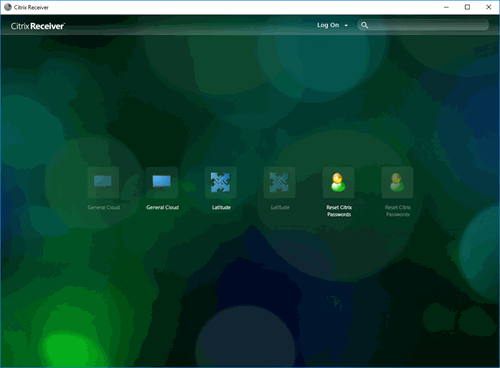
The Citrix Receiver window
appears.
and then click Open.
The Citrix Receiver window
appears.
-
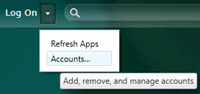
In the menu bar, click the Log On list box arrow. A list of options appears.
-
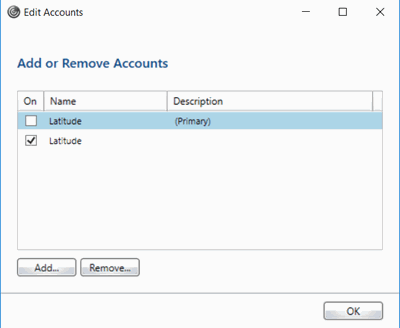
Click Accounts. The Edit Accounts dialog box appears.
-
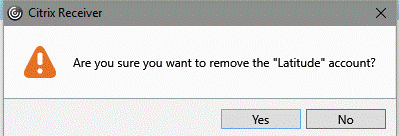
Select the check box for the account to remove and then click Remove. A confirmation dialog box appears.
-
Click Yes. Citrix Receiver removes the Latitude account.
-
In the Edit Accounts dialog box, click OK. The Edit Accounts dialog box closes.