


- Contents
Latitude Management Suite Extension Wizard Help
Log on to Latitude Management Suite Extension Wizard
Use the Latitude Login dialog box to log on to Latitude Management Suite Extension Wizard.
To log on to Latitude Management Suite Extension Wizard
-
Open “\Program Files (x86)\Latitude Software\bin.”
-
Double-click "LatitudeManagementSuiteExtensionWizard.exe." The Latitude Login dialog box appears.
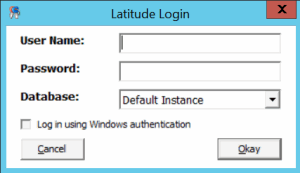
User Name: Your Latitude user name.
Password: Your Latitude password. As you type your password, the system displays periods instead of the typed characters.
Note: To log on using Windows authentication, select the Log in using Windows authentication check box and provide your Windows user name and password.
-
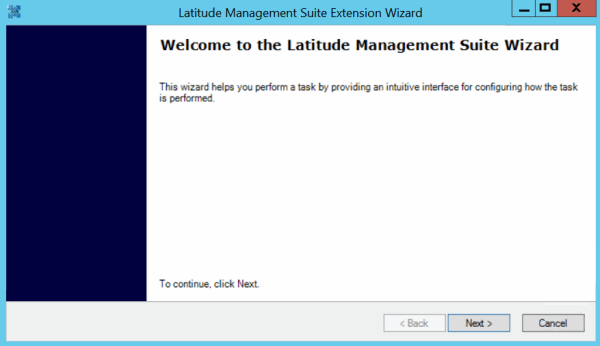
Complete the information and then click Okay. The Latitude Management Suite Extension Wizard page appears.
-
Click Next.