


- Contents
Reporting Console Help
Add a Report to Favorites
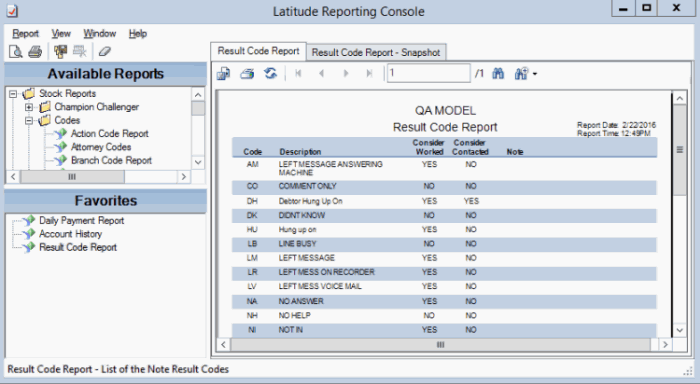
Use the Navigation pane to add a report to the Favorites pane for quick access.
To add a report to favorites
-
In the Navigation pane, expand a report folder.
-
Do one of the following:
-
Click the report then drag and drop it in the Favorites pane.
-
Right-click the report and then click Add to Favorites.
-
To remove a report from the Favorites pane, right-click the report and then click Remove Favorite. The system removes the report from the Favorites pane, but retains it in the Available Reports pane.