


- Contents
Reporting Console Help
Export a Report to a File
Use the Information pane to export a report or report snapshot to a file. The file types you can export to include:
-
Crystal Reports
-
PDF
-
Microsoft Excel
-
Microsoft Word
-
Rich Text Format
-
XML
To export a report to a file
-
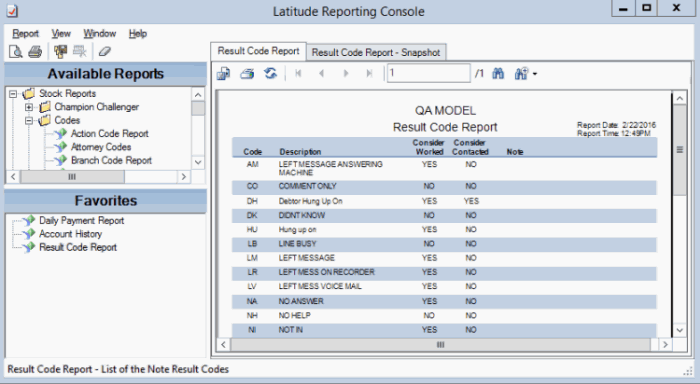
In the Information pane, click the report or report snapshot tab.
-
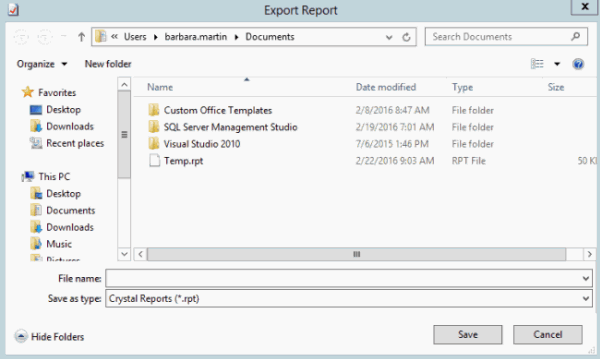
In the toolbar, click the Export icon. The Export Report dialog box appears.
-
In the File name box, type a name for the file.
-
In the Save as type list box, click the file format to save to and then click Save. The system saves the report to the specified location and file name.