


- Contents
Web Access Help
Download a File
You can download a file from the web server to a location you specify.
To download a file
-
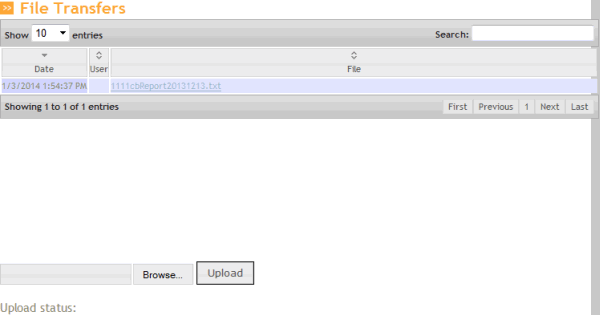
In the menu bar, click File Transfers. The File Transfers page appears.
-
In the data grid, click the file to download and then click Save.