


- Contents
Invoices Help
Delete a Customer Group
Use the Customer Groups window to delete a customer group.
To delete a customer group
-
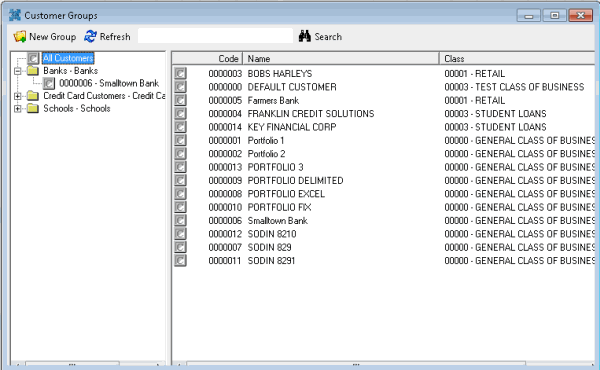
In the Invoices window, from the Tools menu, click Custom Group Editor. The Customer Groups window appears.
-
In the Navigation pane, right-click the customer group and then click Delete Group. The Delete Custom Group dialog box appears.
-
Click Yes and in the next dialog box, click OK. The Invoices program deletes the customer group. The customers associated to the group remain in the system.