


- Contents
Latitude Help
Request a Credit Report Using the Credit Report Request Wizard
Use the Credit Reports panel to request a credit report from a credit reporting vendor. Ensure that you have Service Request Gateway installed on your workstation and you have the appropriate permissions to use Service Request Gateway.
Note: If the Tokenizer service isn't running and you attempt to view an existing report or request a new report, an error message appears. Start the Tokenizer service and try again.
To request a credit report using the Credit Report Request Wizard
-
With an account displayed in the Work Form, at the top of the Panels section, click the name of the currently displayed panel (for example, Notes, Phones) and then click Credit Report Panel. The Credit Reports panel appears.

Notes:
-
If a request has a status of "No Record Found," the credit report request completed without failure; however, the records don't match the vendor's database.
-
If a request has a status of "Requested," you can use the Service Request Gateway Wizard to checking the pending results. For more information, see Check Pending Results for Any Product and Check Pending Results for a Single Product.
-
To show all debtors associated to the account for whom you requested a report, click Show all debtors.
-
To view a requested report, click View report.
-
To view requested reports that didn't process correctly, click Show failed.
-
To request a report, do the following:
-
Click Request new report. The Product Page of the Credit Report Request Wizard appears.

-
Click a report to select it and then click Next. The Information Edit Page appears.

-
Modify the information as needed and then click Next. The Request Page appears. If the data violates the policies set for the Credit Report Requests Settings permission, an error message appears. For more information, see Service Request Gateway Permissions and Policies.

-
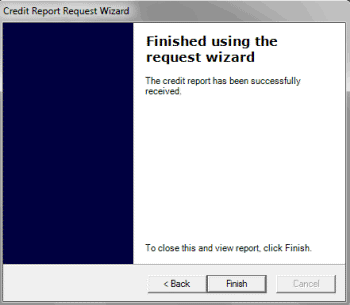
When the system sends the request, click Next. The final page of the wizard appears.
-
Click Finish. The requested report appears. The following is an example of the TransUnion Collection Credit Report.
