


- Contents
Statistics Console Help
Add a Customer to a Custom Group
Use the Latitude Statistics Console window to add a customer to a custom group.
To add a customer to a custom group
-
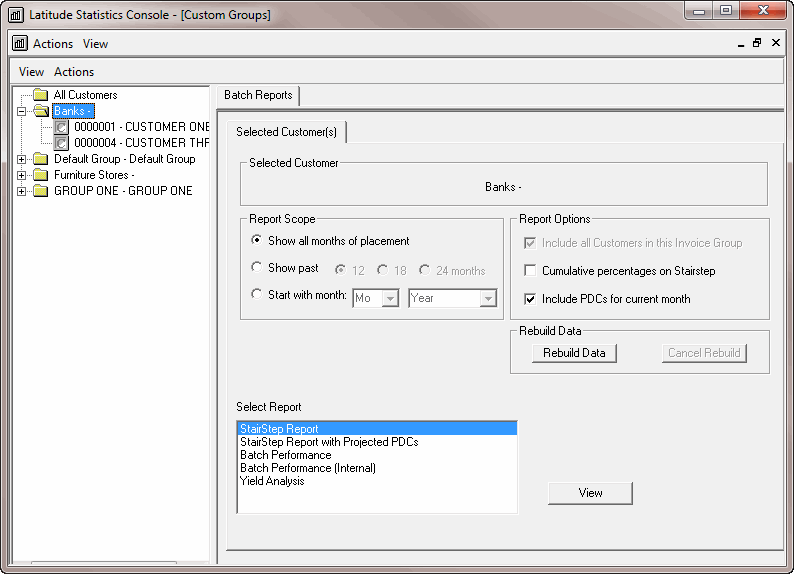
In the Latitude Statistics Console window, from the View menu, click Custom Groups. The custom group report options appear.
-
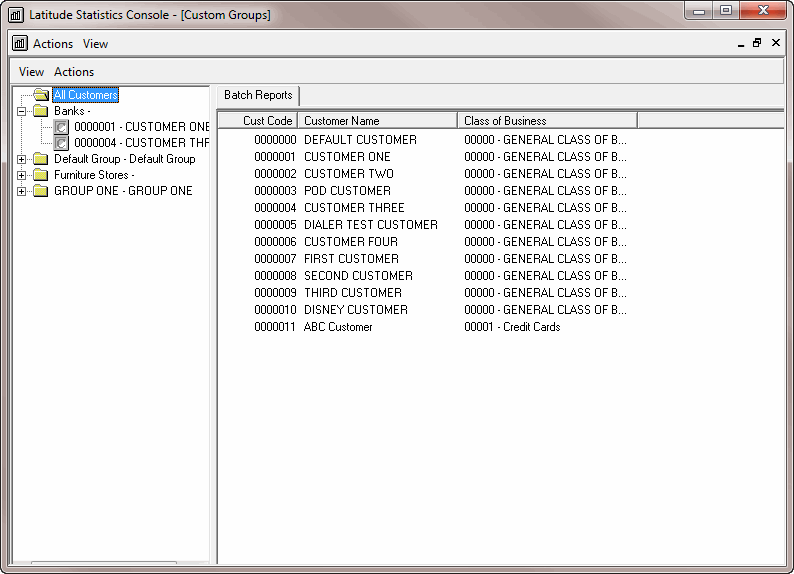
In the Selection pane, click All Customers. The list of customers appears on the Batch Reports tab.
-
Click a customer code and drag and drop it onto a custom group folder.