


- Contents
Statistics Console Help
Create a Custom Group
Use the New Custom Group dialog box to add a custom group for reporting purposes.
To create a custom group
-
In the Latitude Statistics Console window, from the View menu, click Custom Groups. The custom group report options appear.
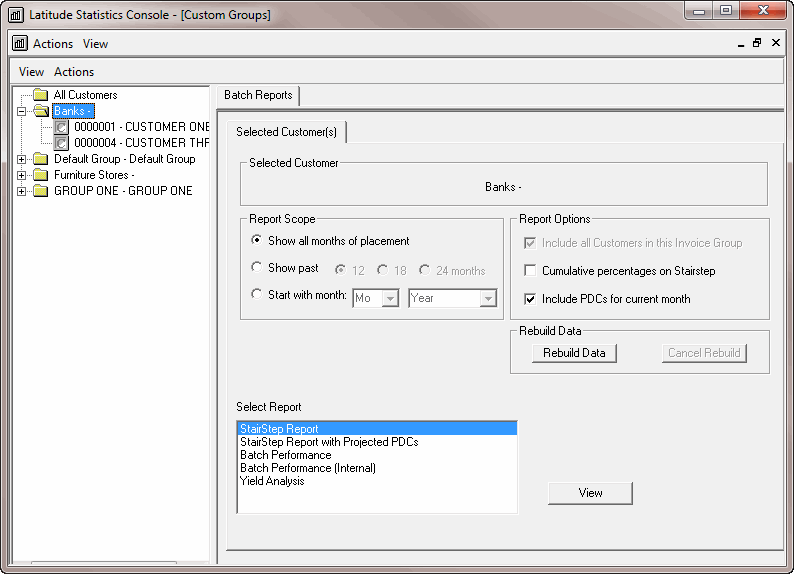
-
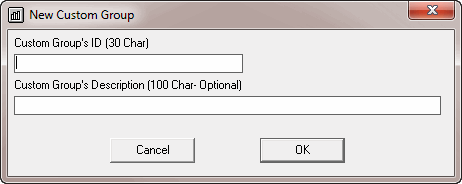
From the Actions menu, click New Custom Group. The New Custom Group dialog box appears.
-
In the Custom Group's ID box, type the custom group name, up to 30 characters.
-
(Optional) In the Custom Group's Description box, type a description of the custom group, up to 100 characters.
-
Click OK. Statistics Console adds the custom group to the Selection pane in the Latitude Statistics Console window.