


- Contents
Statistics Console Help
Modify a Custom Group
Use the Edit Custom Group dialog box to modify a custom group that Statistics Console uses for reporting purposes.
To modify a custom group
-
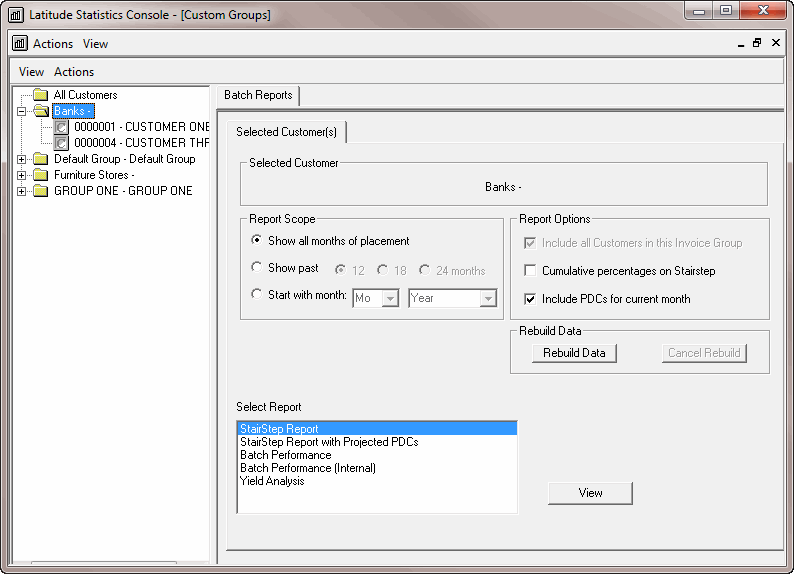
In the Latitude Statistics Console window, from the View menu, click Custom Groups. The custom group report options appear.
-
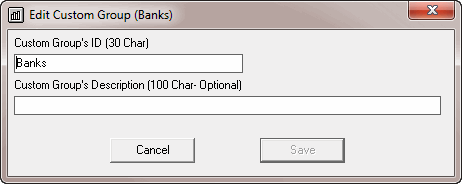
In the Selection pane, right-click a custom group and then click Edit. The Edit Custom Group dialog box appears.
-
Modify the information as necessary and then click OK.