


- Contents
Add or Remove a Query Column
Use the Results tab on the Account Analysis page to add or remove a column from the query results.
To add or remove a query column
-
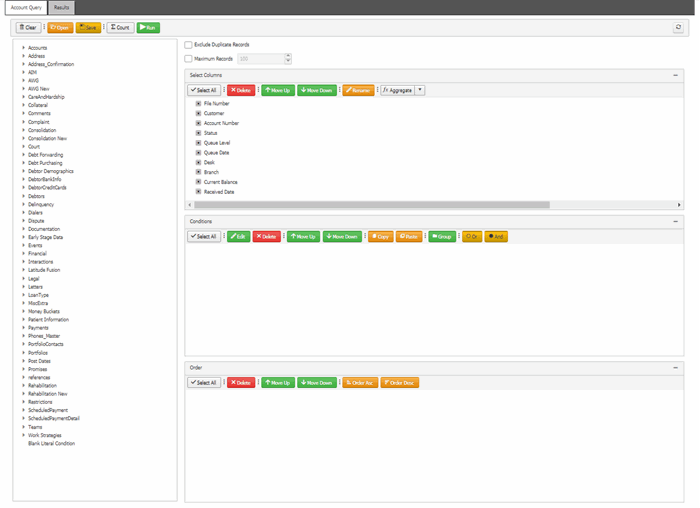
Ensure that a query is open on the Account Analysis page.
-
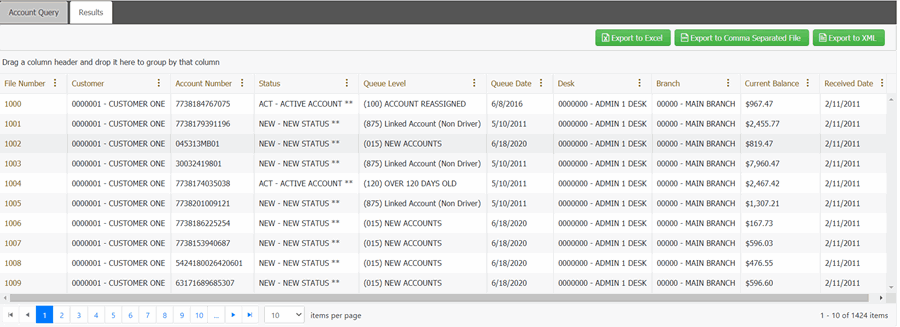
In the toolbar, click Run. The results appear on the Results tab.
-
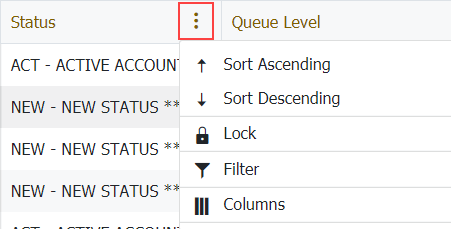
In the column heading, click the column menu and then click Columns.
-
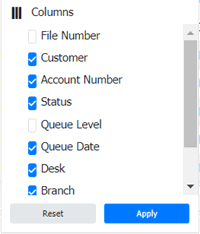
To add a column, select the required column check boxes from the Columns list and click Apply.
-
To remove a column, clear the column check box from the Columns list and click Apply.
Related Topics
Create an Account Analysis Query