


- Contents
List Builder Help
Set up Dialer Server in List Builder
Use the Dialer Configuration dialog box to specify the credentials for logging on to a dialer server.
To set up dialer server in List Builder
-
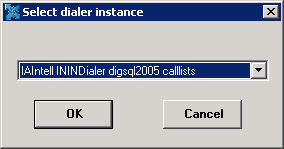
In the menu bar, click Help and then click Setup Dialer. The Select Dialer Instance dialog box appears.
-
In the list box, click the dialer instance and then click OK. The Dialer Configuration dialog box appears.
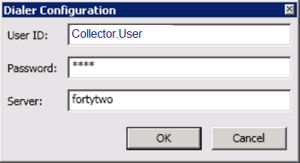
User ID: User ID for accessing the dialer server.
Password: Password for accessing the dialer server.
Server: Name of the dialer server.
-
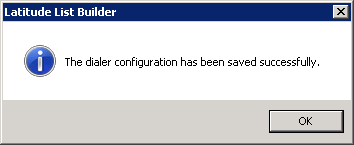
Complete the information and then click OK. A notification dialog box appears.
-
Click OK.