


- Contents
Reporting Console
Close One or More Reports
Use the toolbar to close a single report, or the menu bar to close all reports.
To close one or more reports
-
To close a single report, do the following:
-
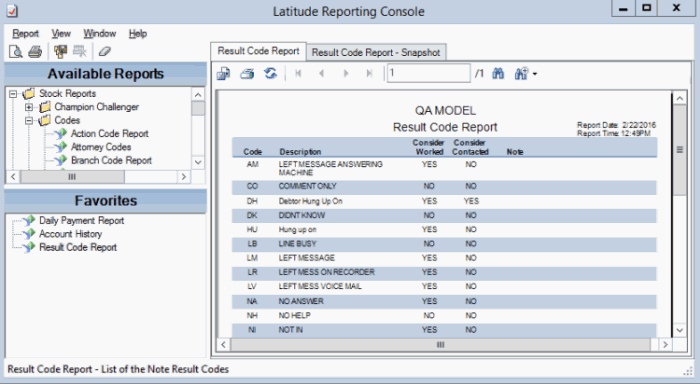
In the Information pane, click the report or report snapshot tab to close.
-
In the toolbar, click the Close Report icon.
-
To close all reports that are open, do the following:
-
In the menu bar, click View and then click Close All Tabs.
-
In the confirmation dialog box, click Yes.