


- Contents
Latitude Console Help
Search for an Account to Link or Unlink
Use the Search / Add other Accounts tab in the Link Maintenance window to search for an account to link or unlink.
To search for an account to link or unlink
-
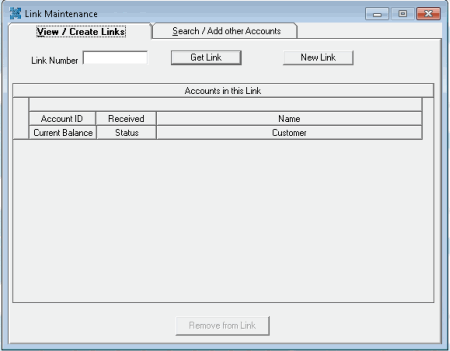
In the Main Menu window, from the Apps menu, click Link/Unlink. The Link Maintenance window appears.
-
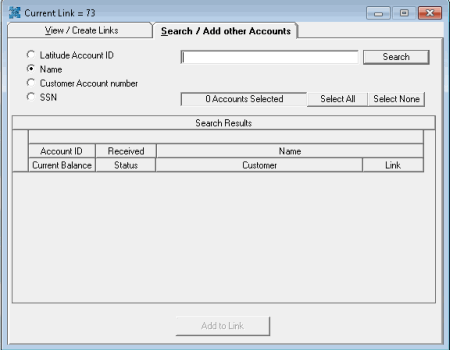
Click the Search / Add other Accounts tab.
-
Select an option to search by Account ID, Name, Customer Account number, or SSN.
-
In the Search box, type your search criteria and then click Search. Accounts that match the search criteria appear in the Search Results pane.
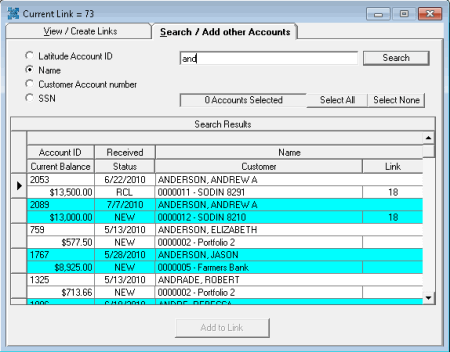
Note: A number in the Link column indicates that the account is linked to one or more other accounts.
Related Topics