

- Contents
Custodian Help
Log On to Custodian Editor
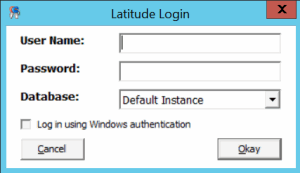
Use the Latitude Login dialog box to log on to Custodian Editor.
To log on to Custodian Editor
-
Open “\Program Files (x86)\Interactive Intelligence\Interaction Collector\bin.”
-
Double-click CustodianEditor.exe. The Latitude Login dialog box appears.
-
In the User Name box, type your Latitude user name.
-
In the Password box, type your Latitude password. As you type your password, periods display instead of the typed characters.
-
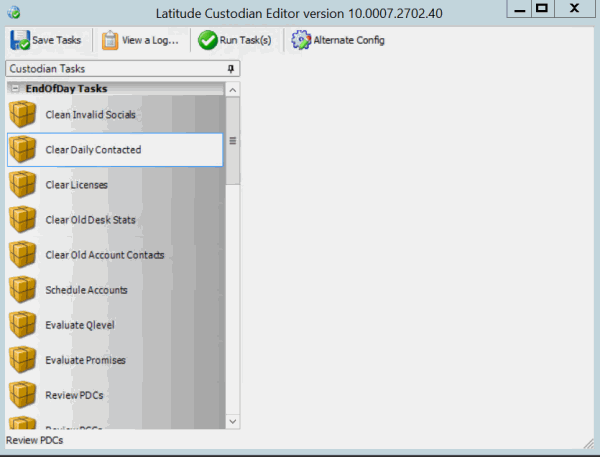
Click Okay. The Custodian Editor window appears. It contains a list of standards tasks that released with Latitude, and any tasks your organization created.