


- Contents
Invoices Help
View Transactions in the Check Register
Use the Check Register window to view transactions in the check register.
To view transactions in the check register
-
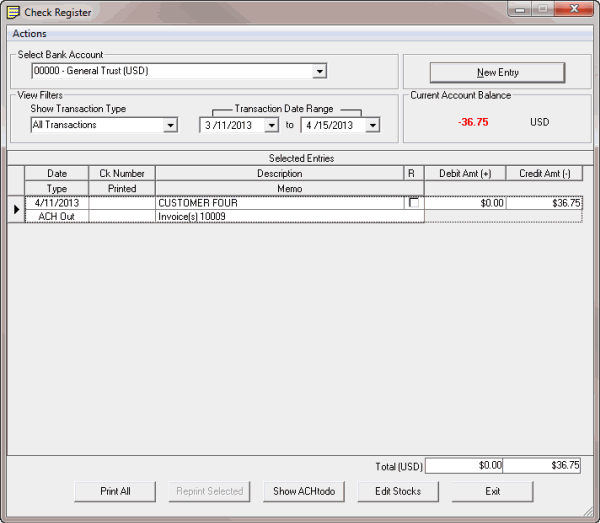
In the Invoices window, from the View menu, click Check Register. The Check Register window appears.
-
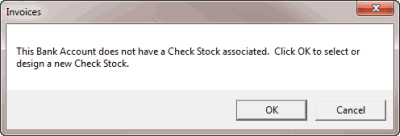
In the Select Bank Account list box, click the bank account for which to view transactions. If you don't have a check template associated to the bank account, the Invoices dialog box appears.
-
Do the following:
-
Click OK. The Check Stock Editor window appears.
-
In the list box under the check sample, click the template name.
-
Click Accept Settings and then click Exit.
-
In the Show Transaction Type section, click the type of transactions to view.
-
In the Transaction Date Range section, type the beginning and ending transaction date to view. Transactions that meet the specified criteria appear in the Selected Entries data grid.