


- Contents
Modify a Script
Use the Script page to modify the existing scripts.
To create a script
-
On the Welcome page, click Script Builder. The Script Query page appears.
-
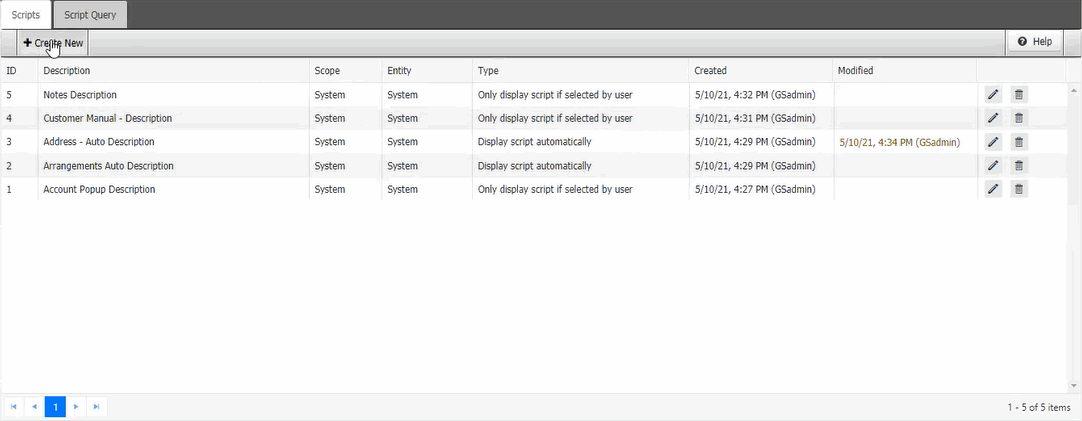
Click the Scripts tab.
-
Click
 next to
the script. The Edit Agent Script page appears.
next to
the script. The Edit Agent Script page appears.
.png)
Note: You can modify the existing script and also you can add more conditions to the existing scripts.
-
Complete the modifications and then click Update.