

- Contents
Send Email
Use to send an Email from the selected record of the available Home/Work type Email.
To send an Email:
Do the following:
To send email
-
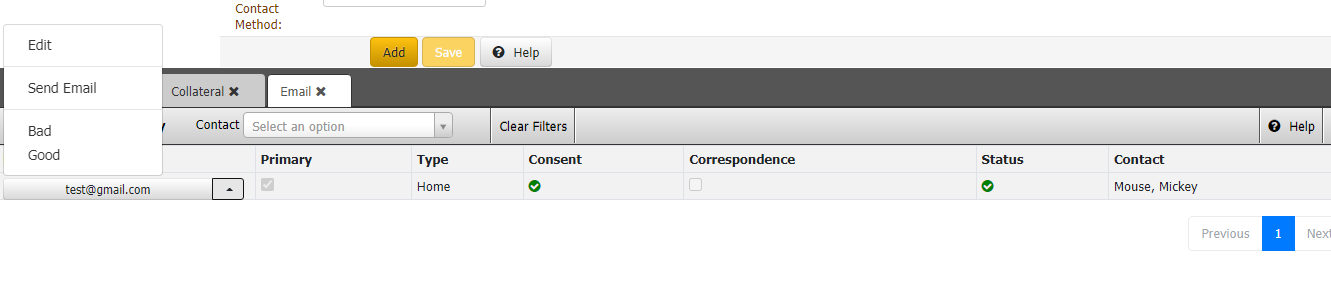
In the Reference Panel navigation bar, click Available Panels Email tab, click arrow select Send Email as shown.
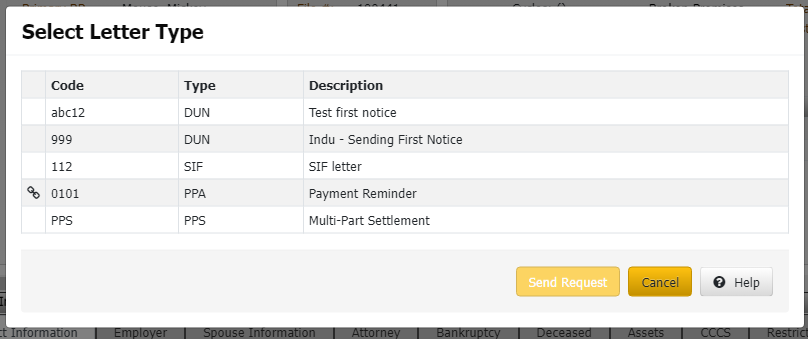
- The list of Letter types will show, select any one and then click Send request.
-
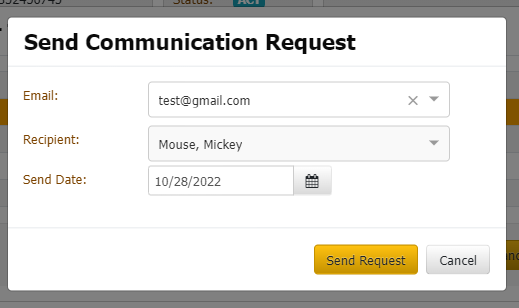
While sending Communication Request select Date, it can be Current Date/Future Date, then click Send Request.
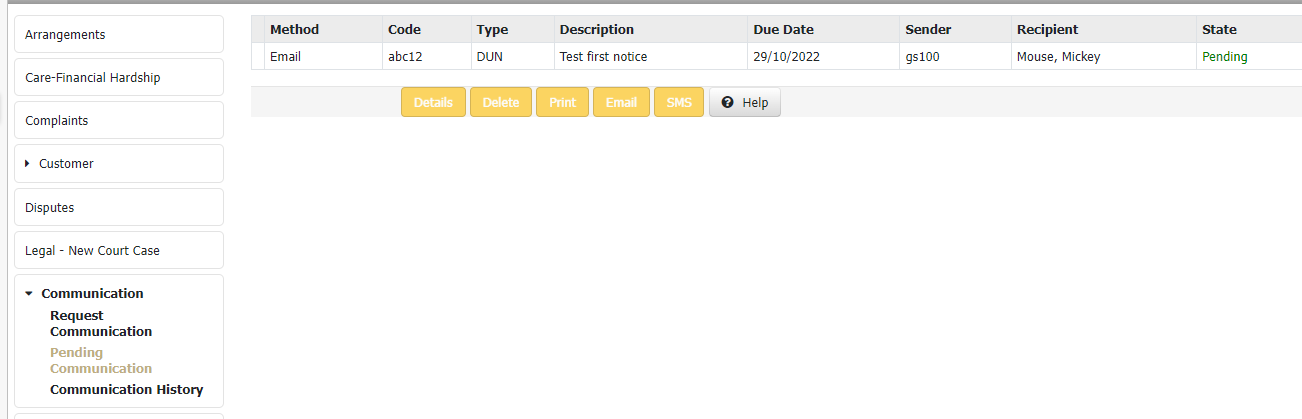
3. Choosing the Future Date, the Communication request shows in the Pending Communication Panels.