


- Contents
 |
View Automotive Purchasing Bids
Use the Bids tab on the Auction tab in the Automotive panel to view automotive purchasing bids for the account that is displayed in the Work Form.
To view automotive purchasing bids
-
With an account displayed in the Work Form, in the Reference Panel navigation bar, click Available Panels and then click Automotive.
-
In the Automotive panel, click the Auction tab.
-
On the Auction tab, click the Bids tab.
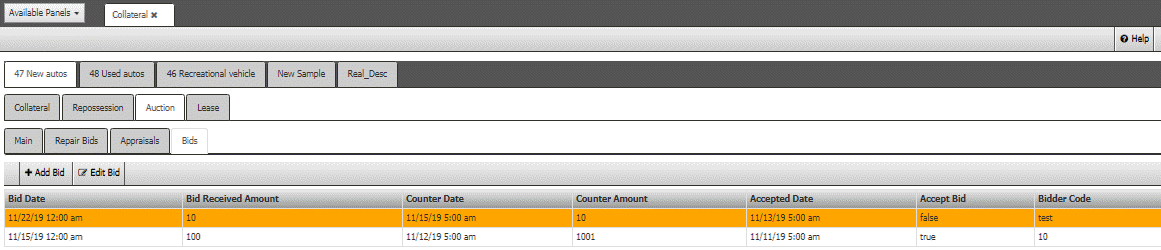
Accept Bid: Indicates whether your organization accepted the bid.
Bidder Code: Code that identifies the bidder.
Bid Amount: Amount of the bid.
Bid Date: Date the buyer placed the bid.