


- Contents
Custodian Help
Modify a Task
You can modify the configuration for a task. For more information about properties, see Task Properties.
To modify a task
-
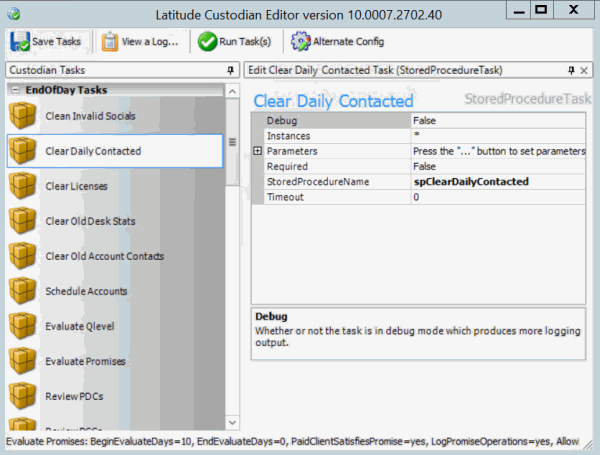
In the Custodian Tasks pane, right-click a task and then click Edit the [Task Name] Task. The task properties appear in the Information pane.
-
Modify the properties and then, in the toolbar, click Save Tasks.