


- Contents
Export a Report
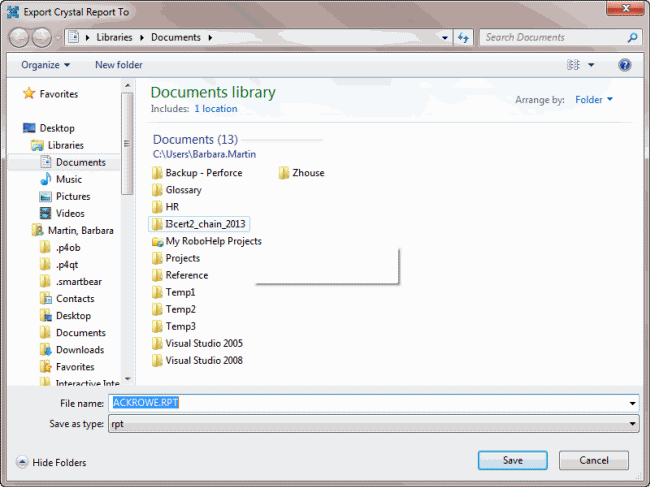
Use the Export Crystal Report To dialog box to export a Crystal Report.
To export a report
-
In the Main Menu window, from the Maintenance menu, click System Codes and Settings. The Latitude Maintenance window appears.
-
In the Navigation pane of the Latitude Maintenance window, click the Crystal Reports folder.
-
In the Information pane, right-click the report to export and then click Export. The Export Crystal Report To dialog box appears.
-
Click Save. The Confirm Save As dialog box appears.
-
Click Yes. The system exports the report.