


- Contents
Maintain Miscellaneous Legal Information
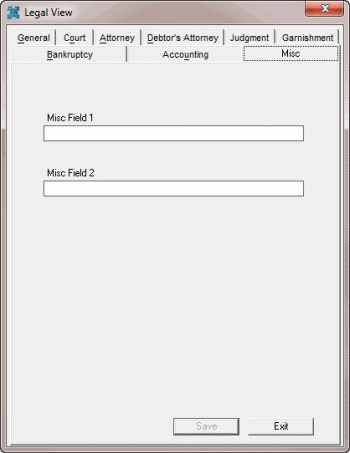
Use the Misc tab in the Legal View dialog box to maintain miscellaneous legal information. Some information on this tab is available for use in merge letters.
To maintain miscellaneous legal information
-
With an account displayed in the Work Form, from the Info menu, click Legal Case Info. The Legal View dialog box appears.
-
Click the Misc tab.
-
Complete the information and then click Save.