


- Contents
WorkFlow Designer Help
Modify Criteria for an Activity
Use the Edit [Activity Name] Activity dialog box to modify criteria for an activity.
To modify criteria for an activity
-
Do one of the following:
-
From the File menu, click Open Existing Work Flow.
-
From the WorkFlow toolbar, click the Open icon
 .
.
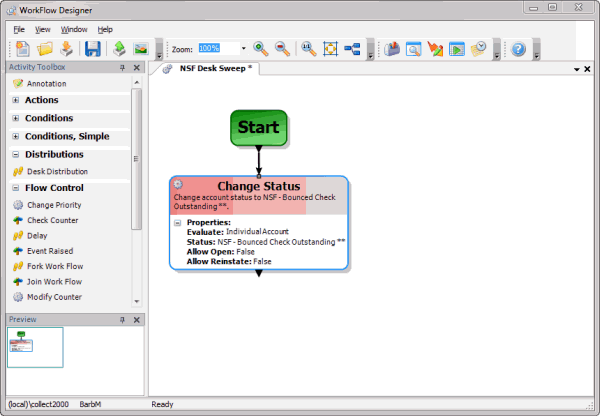
The [Workflow Name] tab appears.
-
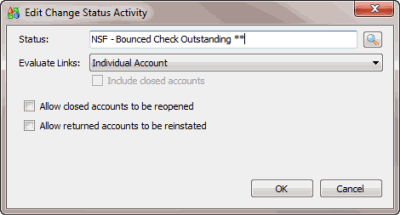
On the workflow tab, double-click an activity. The Edit [Activity Name] Activity dialog box appears. The criteria available in the dialog box depends on the selected activity. For more information about criteria for a specific activity, see Workflow Activity Configuration.
-
Complete the information and then click OK.
-
In the WorkFlow toolbar, click Save.