


- Contents
AIM Receiver Help
Export Complaints
Use the Process tab in the Client Configuration window to export complaints that your organization added or updated for accounts that the client placed with your organization.
Note: The complaints export feature is not available for AIM Receiver versions earlier than version 12.0.
To export complaints
-
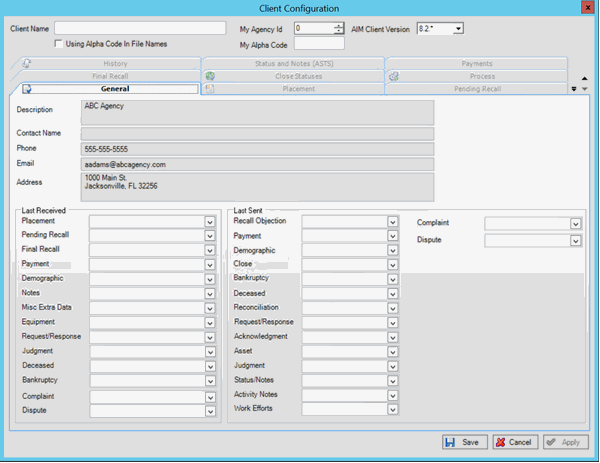
In the AIM Receiver Manager window, in the Name column of the data grid, click the Client icon. The Client Configuration window appears, with the General tab selected.
-
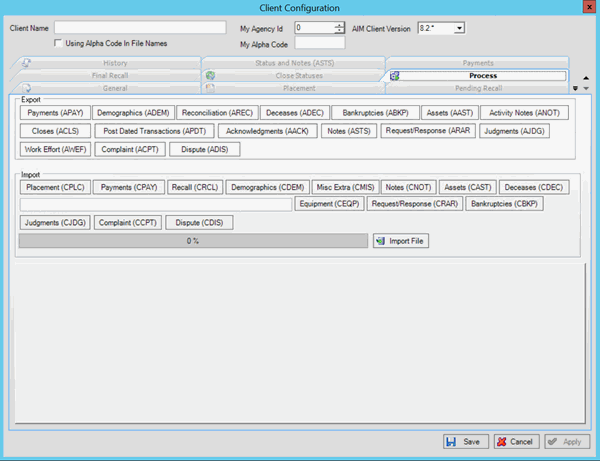
Click the Process tab.
-
In the Export section, click Complaint (ACPT). The Save As dialog box appears.
-
Click the folder to save the export file to and then click Save. A notification dialog box appears.
-
Click OK.