

- Contents
Exchange Manager Help
Add a Form
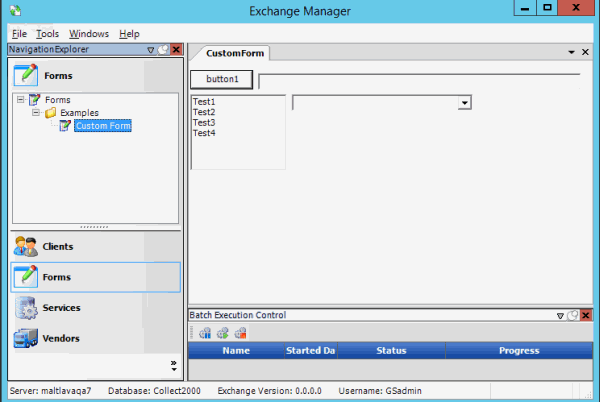
You can use the New Form dialog box to add a custom form.
To add a form
-
In the Navigation pane, click Forms.
-
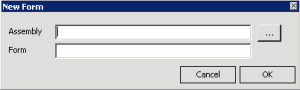
In the Forms pane, right-click Forms and then click Add Form. The New Form dialog box appears.
-
Next to the Assembly box, click the ellipsis (...). The Please select the assembly... dialog box appears.
-
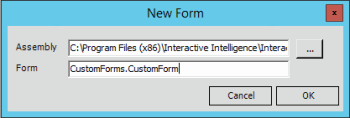
Click the ".dll" or ".exe" file that contains the custom form definition and then click Open. The path and file name appear in the Assembly box.
-
In the Form box, type the namespace and name of the form, separated by a period.
-
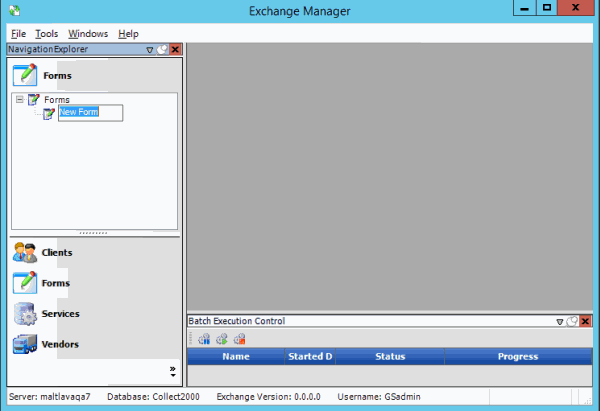
Click OK. The system adds the form to the Forms node.
-
Type over the "New Form" label with a name for the form and then press Enter.