


- Contents
Exchange Manager Help
Complete a Form
Use the [Form Name] tab to complete the information on a form.
To complete a form
-
In the Navigation pane, click Forms.
-
In the Forms pane, expand the Forms node to locate the form.
-
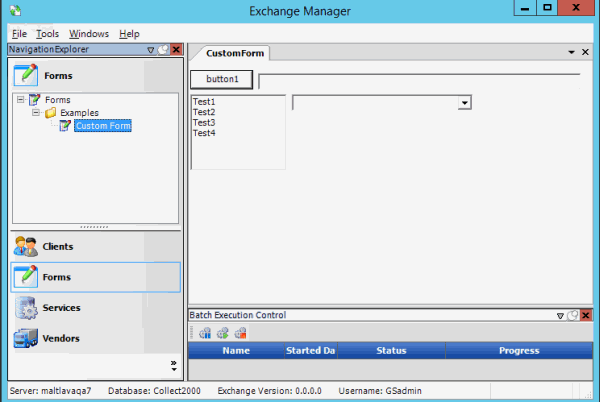
Double-click the form name or right-click the form name and then click Properties. The [Form Name] tab appears in the Information pane.
The following form is just an example. The objects that appear on the form are based on how you designed the form.
-
Complete the information on the form.