


- Contents
Exchange Manager Help
Sort Query Results
Use the Results tab in a query tool window to sort the query results.
To sort query results
-
With a query tool window open, in the toolbar, click Run. The results appear on the Results tab.
-
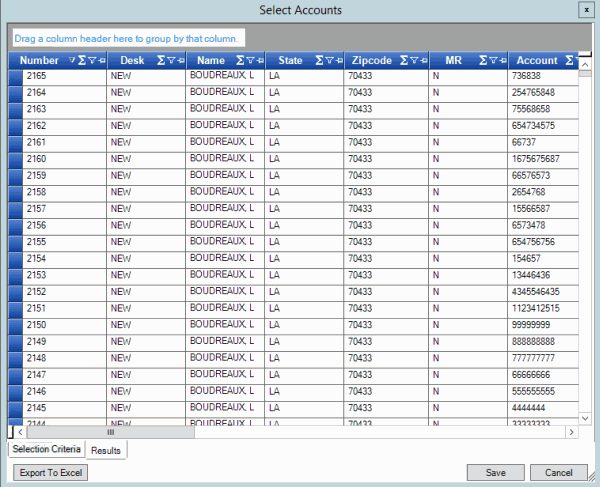
Click a column heading. An arrow appears and points up to indicate that the column is sorted in ascending order.

-
To sort the column in descending order, click the column heading again. The arrow points down to indicate that the column is sorted in descending order.