


- Contents
Exchange Manager Help
Summarize Query Data
Use the Results tab in a query tool window to summarize query results.
To summarize query results
-
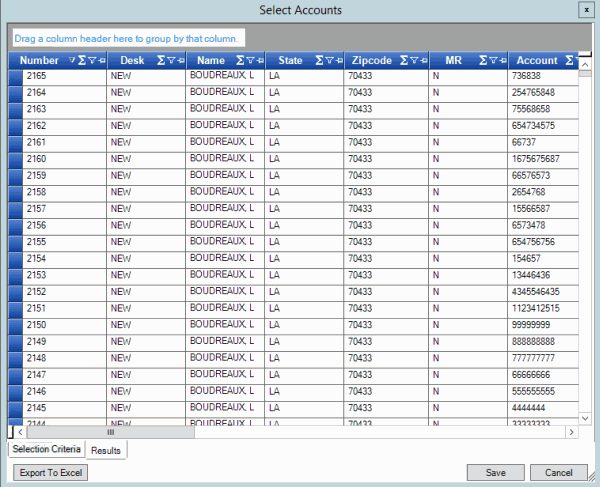
With a query tool window open, in the toolbar, click Run. The results appear on the Results tab.
-
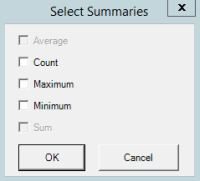
In the column heading, click the Sigma icon. The Select Summaries dialog box appears. The options available are based on the item's data type.
-
Select the calculations to perform on the data and then click OK. The result appears in the last row of the data grid. If you grouped data, the system calculates the data for each group and displays the results in the last row for each group.
