


- Contents
Reporting Console
Move a Custom Report to Another Folder
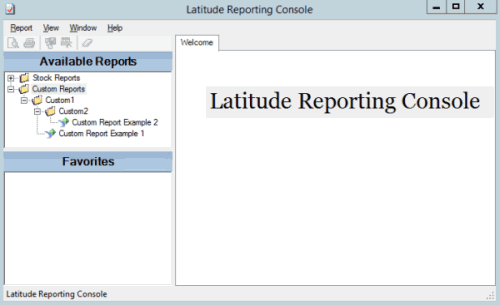
Use the Navigation pane to move a custom report to another folder. You cannot move reports in the Stock Reports folders.
To move a custom report to another folder
-
In the Navigation pane, expand a custom report folder.
-
Click the report the drag and drop it onto another folder.