


- Contents
Reporting Console
Restore a Deleted Report
Use the Navigation pane to restore a deleted report and display it in the Available Reports list.
To restore a deleted report
-
In the menu bar, click View and then click Deleted Reports.
-
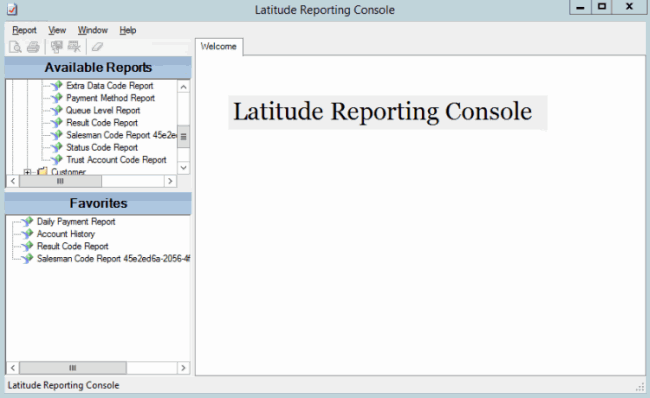
In the Navigation pane, locate the deleted report. The following example shows the deleted Salesman Code Report, with a number appended to the report name.
-
Right-click the report and then click Undelete Report.
-
In the confirmation dialog box, click Yes.
-
In the notification dialog box, click OK. The system adds the report to the list of active reports.
Note: The report name still has the number appended. To remove the number, see Rename a Report.