


- Contents
Reporting Console
Update a Report Definition
Use the Information pane to update a report definition, which is the template for how a report looks and the type of information it includes.
To update a report definition
-
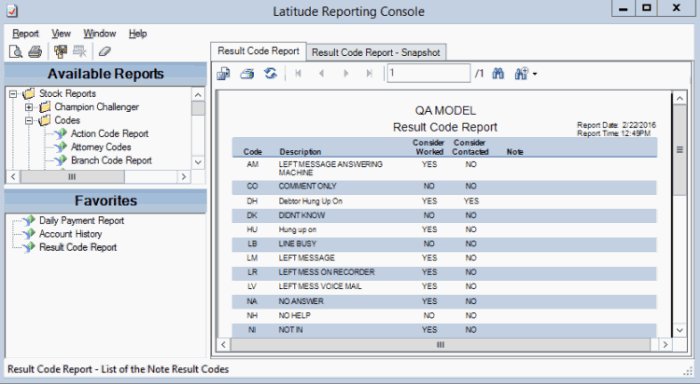
In the Information pane, click the report tab.
-
In the menu bar, click Report and then click Update From File. The Update Report dialog box appears.
-
Click the report definition file name and then click Open.
-
In the confirmation dialog box, click Yes. The system overwrites the report definition with the specified report definition.