

- Contents
Fusion Help
View Services Information
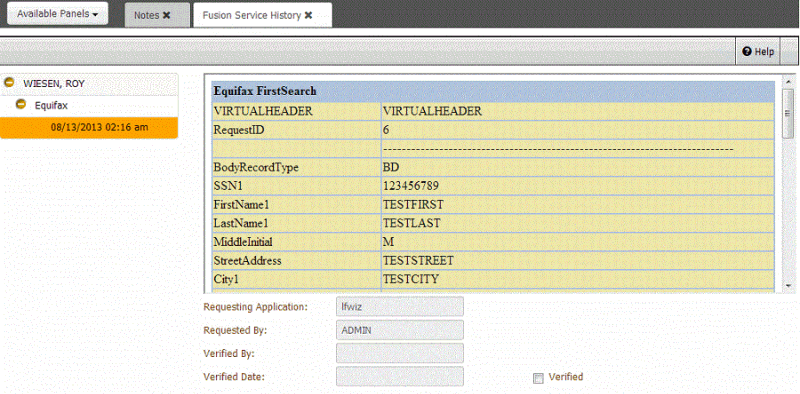
Use the Fusion Service History panel in Latitude o view vendor service information for an account that Fusion included in a request or return file.
To view services information
-
Display an account in the Work Form in Latitude.
-
In the Panel navigation bar, click Available Panels and then click Fusion Service History.
-
In the navigation tree, expand the name and service provider nodes.
-
Click the date and time entry. The service history appears. If the system received a response from the service provider, it appears in a data grid.