


- Contents
Latitude Console Help
Delete a Client from a Client Group
Use the Customer Groups window to delete a client from a client group.
To delete a client from a client group
-
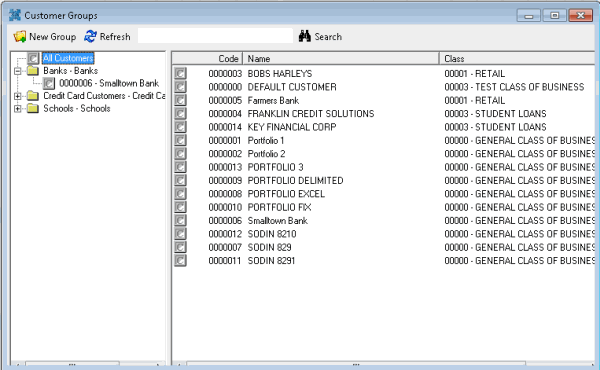
In the Main Menu window, from the Maintenance menu, click Custom Customer Groups. The Customer Groups window appears.
-
In the Navigation pane, right-click the client and then click Remove Customer. Latitude Console deletes the client from the client group. The client remains in the system.
Related Topics