


- Contents
Latitude Console Help
Modify Client Group Settings
Use the Customer Groups window to modify client group settings.
To modify client group settings
-
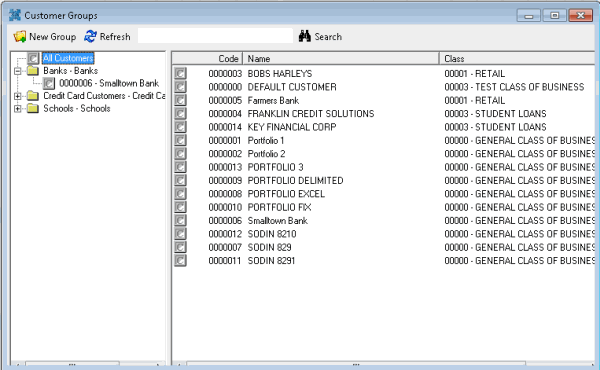
In the Main Menu window, from the Maintenance menu, click Custom Customer Groups. The Customer Groups window appears.
-
In the Navigation pane, click a client group. The client group settings appear in the Information pane.
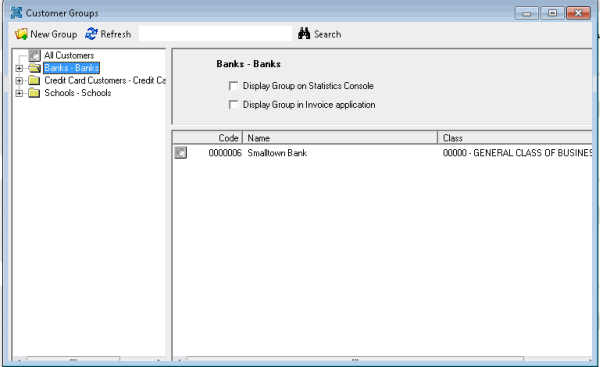
Display Group on Statistics Console: Statistics Console isn't available for Latitude 12.0.
Display Group in Invoice application: If selected, the client group is available for selection in the Invoices program.
-
In the Information pane, complete the information. Your changes save automatically.
Related Topics