


- Contents
Custodian Help
View Log File Detail
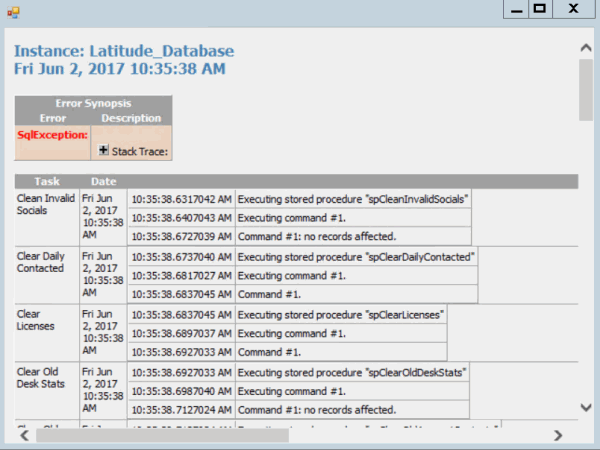
You can view the details of a log file to see which tasks ran, the date and time, and the results.
To view log file detail
-
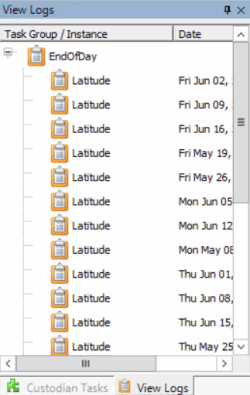
In the toolbar, click View a Log. The View Logs tab appears.
-
Double-click a task group or instance name. The system displays the details in a separate window.
-
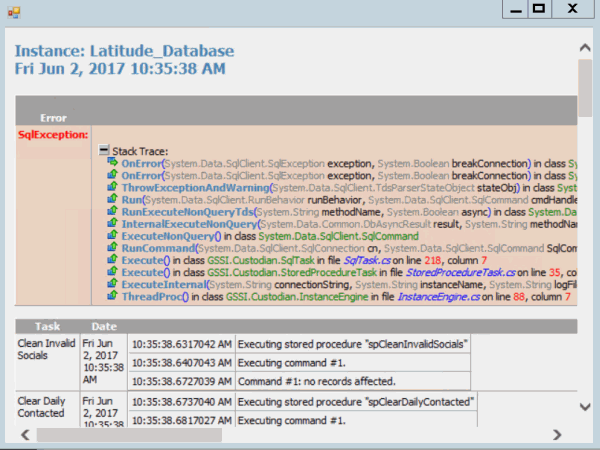
To view the stack trace details, click the plus sign (+) next to Stack Trace. The system expands the Stack Trace section.
-
When finished viewing the information, click the plus sign (+) in the upper right corner of the window.