


- Contents
Latitude Management Suite Extension Wizard Help
Process the Accounts
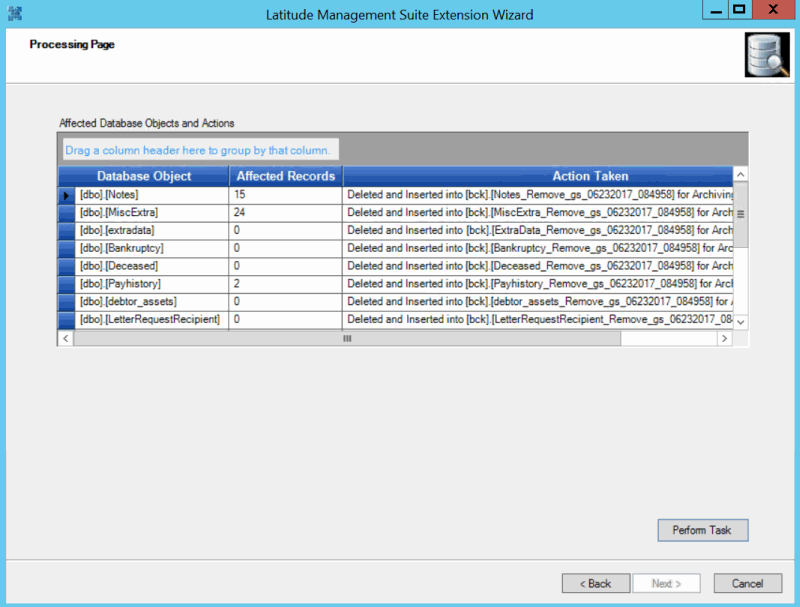
Use the Processing page to process the accounts you selected in the query based on the specified task and parameters. The information that displays on this page depends on the task you selected in a previous step.
To process the accounts
-
Ensure that you are on the Processing page.
-
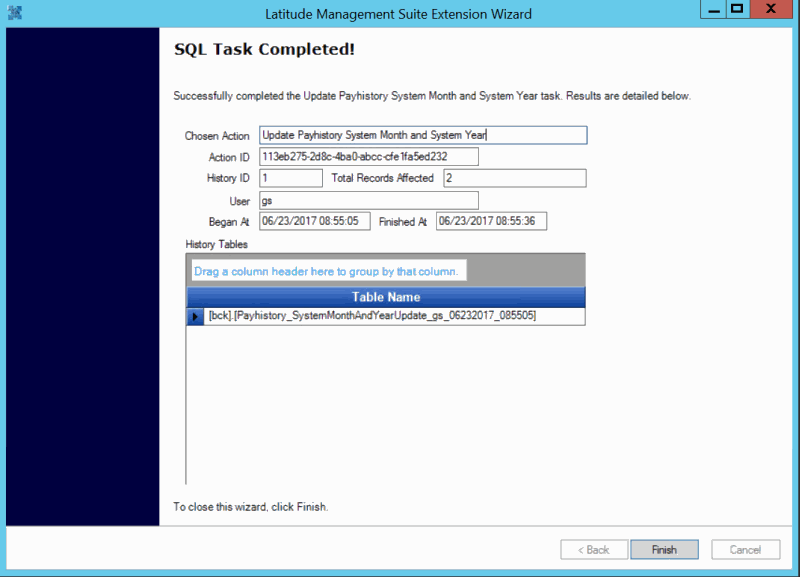
Review the information and then click Perform Task. When the wizard finishes processing the task, the SQL Task Completed page appears.
-
Click Finish. The Welcome page appears.
-
To close the wizard, click Cancel.