

- Contents
Web Access Help
Log on to Web Access
Use the Web Access dialog box to log on to Web Access.
To log on to Web Access
-
Open Web Access in your browser. The Web Access Logon page appears (with the company logo set up for your organization).
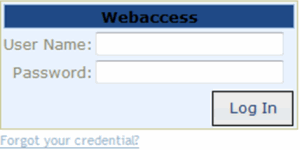
User Name: Your Web Access user name.
Password: Your Web Access password. As you type your password, the system displays periods instead of the typed characters.
Forgot your credential?: Retrieves your Web Access credentials.
-
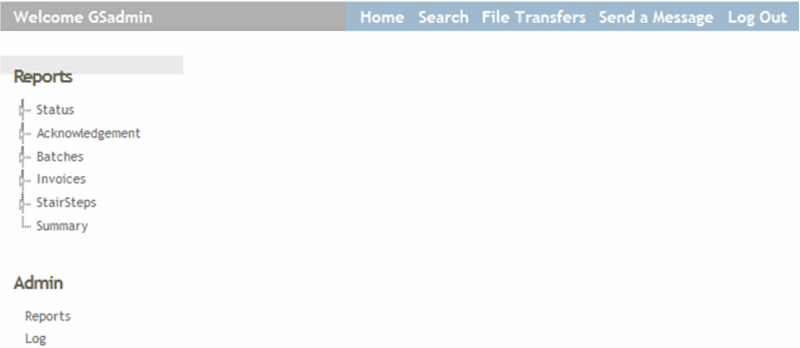
Complete the information and then click Log In. The Web Access page appears.