- Contents
Interaction Dialer Installation and Configuration Guide
Interactive Update Client Overview
Interactive Update Client enables non-CIC/Dialer servers and workstations that access Dialer to receive updates from the Interactive Update Provider on the CIC server. To ensure compatibility with subsequent release updates, this should be installed. The Interactive Update Client installation is available on the IC_Iupdate share on the CIC/Dialer server.
For more information, see the Following:
-
PureConnect Installation and Configuration Guide at https://help.genesys.com/cic/mergedProjects/wh_tr/desktop/pdfs/Installation_Configuration_Guide.pdf.
-
Interactive Update Technical Reference at https://help.genesys.com/cic/mergedProjects/wh_tr/desktop/pdfs/interactive_update_tr.pdf.
Install Interactive Update Client
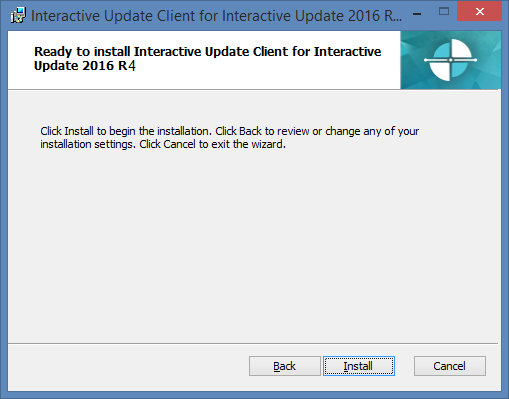
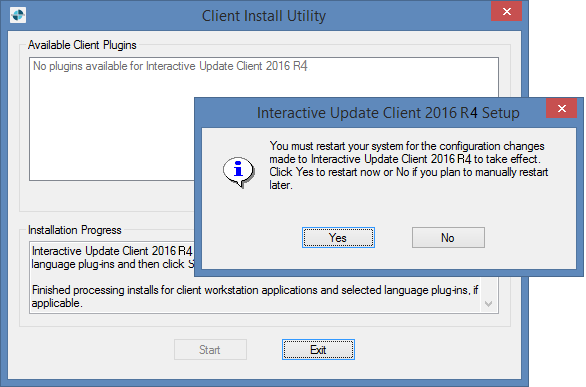
The screen caps in this procedure are out of date and will be replaced in a future update.
|
|
|
|
|
|
|
|
|
|
|
|
|
|