


- Contents
PureConnect Licensing Technical Reference
Load the License File
After you update your existing license, you are ready to load the license file.
To load the license file
-
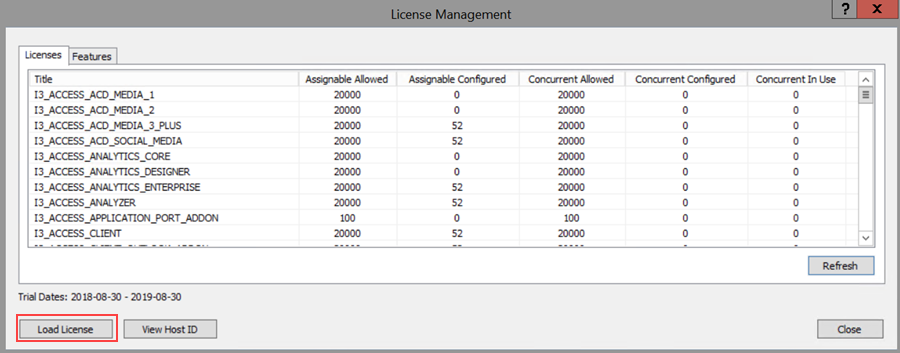
In Interaction Administrator, on the File menu, click License Management. The License Management dialog box appears.
-
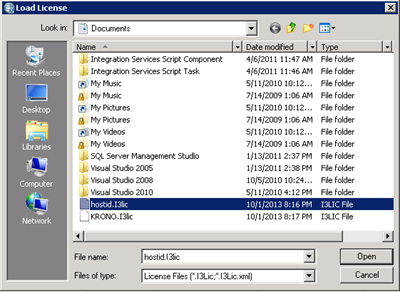
Click Load License. The Load License dialog box appears.
-
In the File Name list box, click the name of the license file that you downloaded and then click Open. When the license file loads, a confirmation message appears.
-
Click OK. The updated license information appears in the License Management dialog box.
Note: The switchover subsystem determines that the license file that you created is a switchover bundled license and contains the information for both servers. It replicates the license to the backup server automatically. If any errors occur, check the Windows Application Event log on the primary and backup IC servers to confirm whether the license applied correctly.