


- Contents
PureConnect Release Notes
Interaction Connect IPA Support
Requirements: Only agents with the appropriate licenses and rights can use Interaction Process Automation. For more information, see IPA User Licenses and IPA User Rights. Also, IPA is available to Interaction Connect users only by special arrangement. To unlock this feature, the CIC administrator must contact Graeme Provan, Global Director of Business Automation.
Interaction Process Automation (IPA) is a communications-based process automation system that manages business processes by routing work items to qualified and available members of your organization in a defined and controlled manner. For more information, see Interaction Process Automation in the Interaction Connect help.
If you have the appropriate license and user rights, you can:
-
pick up a work item and complete a necessary task
-
start a process that routes work items to other members of your organization
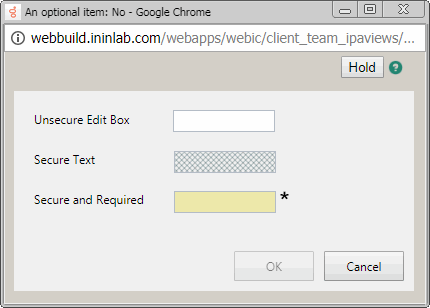
When you pick up a work item, it appears in the IPA Work Item Viewer. Your organization’s process architect designs the forms and controls the content of a work item. The form type and content also depend on the process that generates the work item.
IPA Integration Differences
Interaction Desktop also supports Interaction Process Automation features. There are differences between IPA support in Interaction Connect and Interaction Desktop.
Warning: One important difference is that clicking the X to close the Work Item Viewer in Interaction Connect does not save any data you entered or changed. It puts the Work Item in a state where you cannot work on it or disconnect it until the session times out which can take several minutes.
Interaction Connect
- Work Items appear in My Interactions.
- Can filter work items by multiple work item categories
- The Work Item viewer website control will not load websites that specify that they cannot be hosted in an iframe.
Interaction Desktop
- Work Items appear in the Work Item view.
- Can associate an interaction with a process.
- Can search for an already launched process.
- Can display Process Details.
- Automatically picks up a work item routed to you after launching a process.
- Can add Notes to a Process instance.
- Displays Work Item Reminders.
- Displays Work Item Warnings.