- Contents
Interaction Dialer Installation and Configuration Guide
Interaction Scripter .NET Client Installation Overview
Interaction Scripter .NET Client can be installed on call center agent's PC, or a script developer's workstation. You cannot install this client application on IC server. This client supports base scripts and custom scripts developed using the Interaction Scripter API (v4 or later). Interaction Scripter is the primary tool that call center agents use to disposition campaign calls. It populates the agent's display with information pertaining to the call, the customer, and the campaign, based on actions defined in campaign scripts.
Before you install Interaction Scripter .NET Client, you should install Interactive Update Client. Instructions for obtaining and installing Interactive Update Client can be found in the Optional Installations section of this document.
The Interaction Scripter .NET Client installation is available on the IC_ScripterNet share on the CIC\Dialer server.
Note: Interaction Scripter.NET client is compatible with Internet Explorer versions 7 through 11 running on Windows versions 7 through 2012 R2. For more specific information, see the Software section on the Genesys Testlab site at https://testlab.genesys.com/index.aspx.
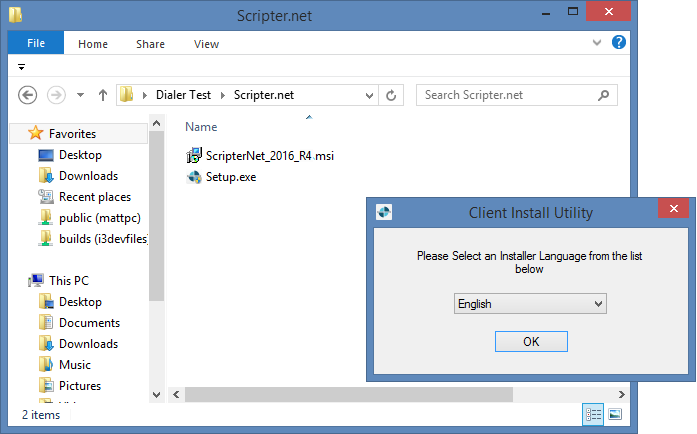
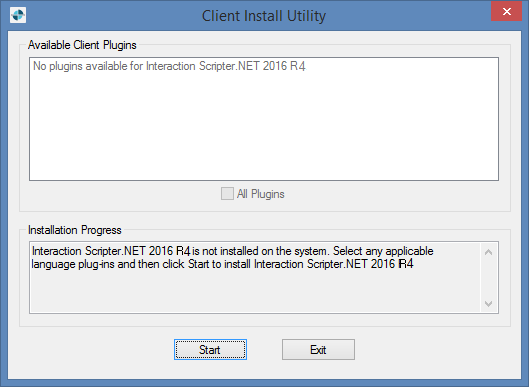
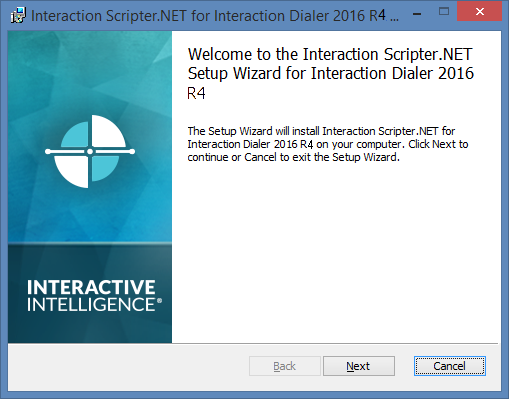
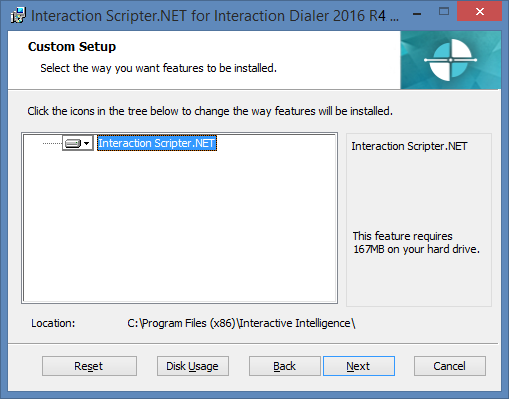
Install Interaction Scripter .NET Client
The screen caps in this procedure are out of date and will be replaced in a future update.
-
If you haven't already done so, install Interactive Update Client.
|
|
|
|
|
|
|
|
|
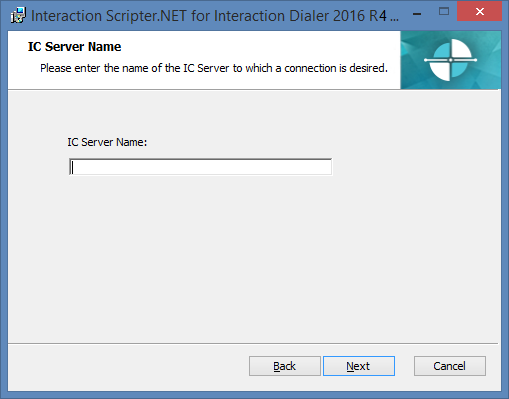
The IC Server Name dialog opens.
|
|
|
The Ready to install Interaction Scripter.NET dialog opens.
|
|
|
|
|
|